
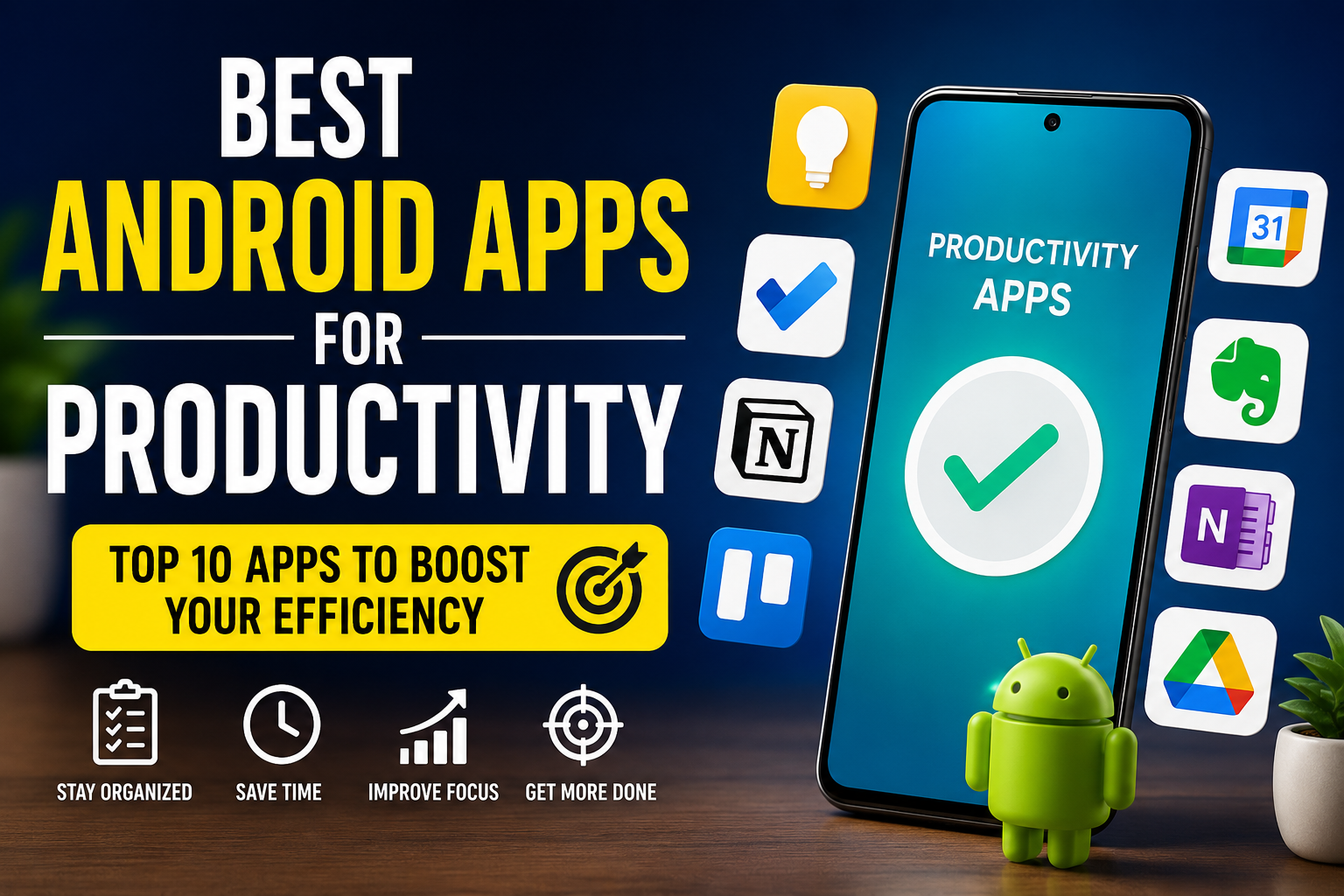
Introduction
Android smartphones have become powerful tools for work, education, and daily life. Whether you are a student, freelancer, office worker, or business owner, the right productivity apps can help you manage your tasks, improve focus, and save valuable time.
In this article, we will explore the best Android productivity apps that can help you stay organized, increase efficiency, and make your daily routine much easier.
Google Keep is one of the simplest note-taking apps available for Android. It allows users to create notes, checklists, voice memos, and reminders within seconds.
Google Keep
Key Features
- Color-coded notes
- Voice recording
- Image notes
- Reminder support
- Sync across devices
Why Use It?
If you need a lightweight app for quick ideas, shopping lists, or reminders, Google Keep is an excellent choice.
2. Microsoft To Do
Microsoft To Do helps users organize daily tasks and long-term projects.
Features
- Daily planner
- Task reminders
- Due dates
- File attachments
- Cross-device synchronization
It is ideal for professionals and students who want to manage their schedules efficiently.
3. Notion
Notion is one of the most popular productivity apps in the world.
Features
- Notes
- Task management
- Project planning
- Database creation
- Team collaboration
Notion combines multiple productivity tools into one application.
4. Trello
Trello uses a board and card system that makes project management simple.
Benefits
- Easy collaboration
- Task tracking
- Deadlines
- Labels
- Progress monitoring
It works well for freelancers, businesses, and students.
5. Google Calendar
Google Calendar helps users schedule meetings, appointments, and important events.
Features
- Daily reminders
- Event scheduling
- Calendar sharing
- Multiple calendars
- Automatic synchronization
This app ensures you never miss an important event.
6. Evernote
Evernote remains a trusted productivity app for professionals.
Features
- Rich note editor
- PDF support
- Web clipping
- Document scanning
- Powerful search
It is perfect for storing research, documents, and meeting notes.
7. Microsoft OneNote
OneNote offers digital notebooks that keep your work organized.
Advantages
- Drawing support
- Audio notes
- Cloud sync
- Easy organization
- Collaboration
Students particularly benefit from its notebook-style interface.
8. Google Drive
Google Drive is one of the best cloud storage solutions.
Features
- Secure cloud storage
- File sharing
- Automatic backup
- Google Docs integration
- Access from any device
It protects your important files while making collaboration simple.
9. Canva
Although Canva is primarily a design app, it significantly improves productivity by allowing users to create presentations, social media graphics, documents, and posters quickly.
Features
- Thousands of templates
- AI tools
- Team collaboration
- Drag-and-drop editor
10. Slack
Slack improves communication within teams.
Features
- Team messaging
- File sharing
- Voice calls
- Video meetings
- App integrations
Businesses use Slack to reduce email communication and improve teamwork.
Tips to Improve Productivity with Android Apps
- Plan your day every morning.
- Set reminders for important tasks.
- Keep your files organized in cloud storage.
- Use digital notes instead of paper.
- Limit social media distractions during work.
- Review your completed tasks every evening.
- Keep your apps updated for the best performance.
Conclusion
Choosing the right Android productivity apps can make your work much easier and more organized. Whether you need note-taking, cloud storage, project management, or scheduling tools, there are excellent options available for every type of user.
Start with a few apps that match your needs instead of installing too many at once. Over time, you’ll build a productivity system that helps you save time, stay focused, and accomplish more every day.
Frequently Asked Questions
Which Android productivity app is best?
Notion, Google Keep, Microsoft To Do, and Google Calendar are among the best choices depending on your needs.
Are productivity apps free?
Most productivity apps offer free versions with optional premium features.
Can I use these apps for work and study?
Yes. These apps are suitable for students, professionals, freelancers, and business owners.
Do productivity apps sync across devices?
Most popular productivity apps support cloud synchronization across Android, Windows, iOS, and web platforms.
Are these apps safe?
Apps downloaded from official stores with regular updates are generally considered safe to use.